
November 13, 2026
When someone in Cebu or Quezon City needs a plumber, a dentist, or a place to eat, they open Google, type the service plus their area, and pick from whatever shows up in the map results. That set of three highlighted results with the map above them is called the local pack, and it’s usually what people tap before they call or visit anywhere.
Filipino mobile users have leaned on this behavior for years. A Google Mobile Report on the Philippines found that 93% of smartphone users looked for local information on their phones, and 88% acted on what they found, whether that meant calling a business or dropping by. Those figures are from 2013, but the pattern they describe (search first, act fast) still holds.
Your Google Business Profile, the free listing that controls how your business appears on Search and Maps, is what determines whether you show up in that pack. Leave it incomplete and a better-optimized competitor takes your spot.
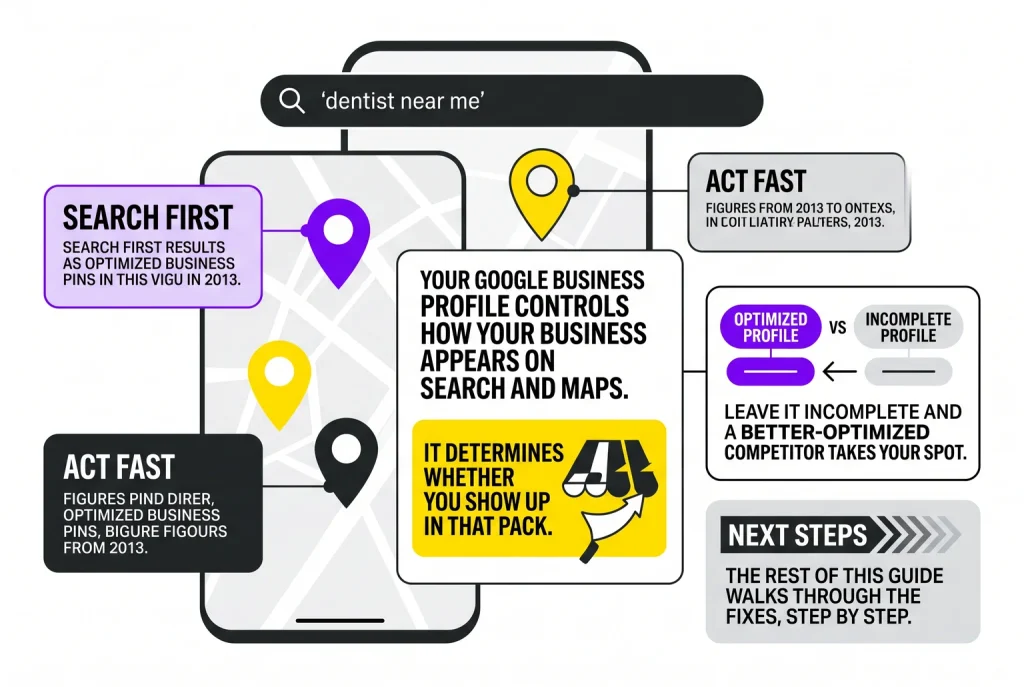
The rest of this guide walks through the fixes, step by step.
Your Google Business Profile is the listing Google pulls from when it builds the local pack. A few fields decide most of the outcome.
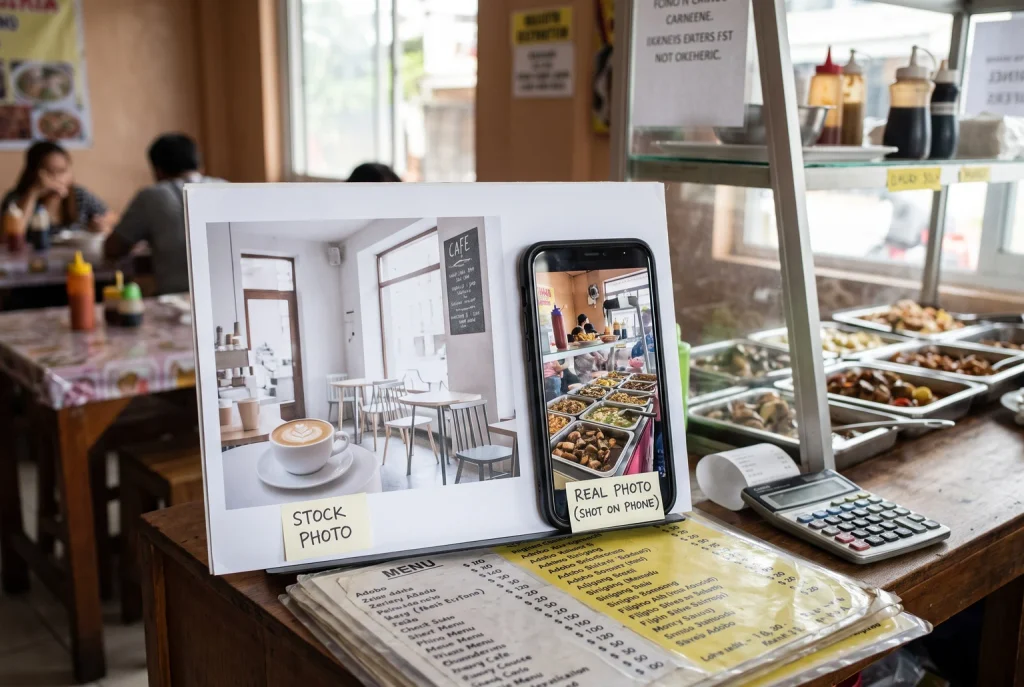
Every field here either helps or costs you a call, a walk-in, or a booking.
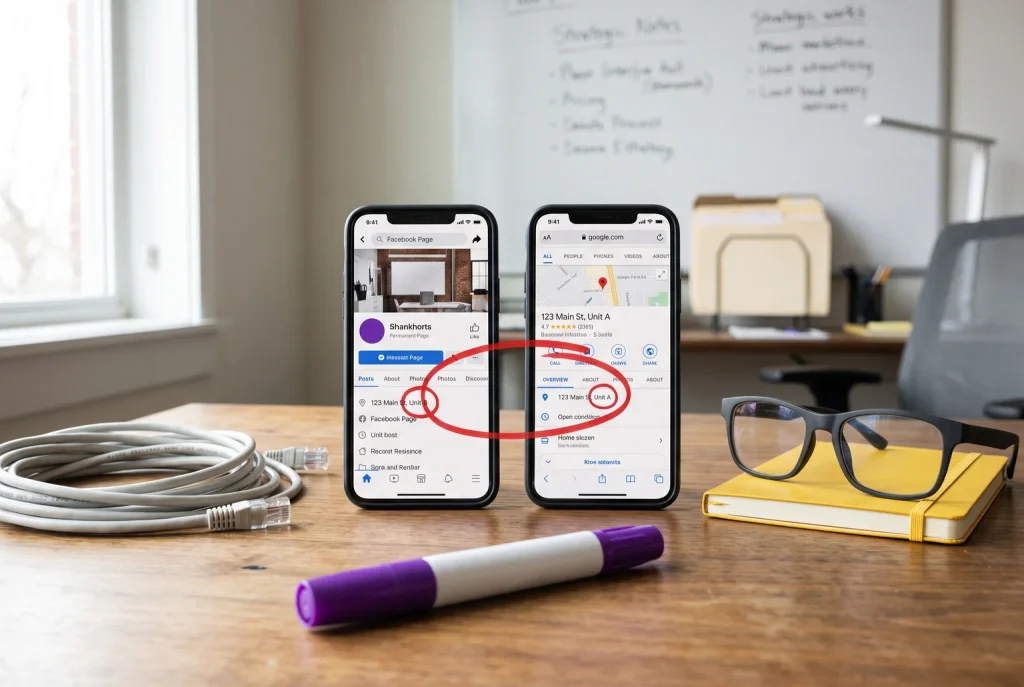
NAP means name, address, and phone number, and keeping these accurate and substantially consistent across your Google Business Profile, website, Facebook Page, and directory listings is what lets search engines and customers associate your listings with the same real-world business. It doesn’t require identical punctuation or abbreviations everywhere, just details that clearly point to the same business and location.
Philippine addresses complicate this more than most. A full address may need unit or house number, building name, street, barangay, city, province, and ZIP code, and buildings often require tower and unit identifiers on top of that. In areas without formal street numbering, businesses default to landmark descriptions like “beside Mang Jose’s sari-sari store,” which works for customers but not for Google’s systems. If you have multiple branches, each one needs its own accurate branch address and phone number, not one head-office number reused everywhere.
Run through this checklist:
NAP is only one ranking signal among several, alongside reviews and relevance, but it’s the one most often left broken across platforms.
Reviews carry weight because customers use them, not just because Google counts them. BrightLocal’s 2025 survey found that 83% of consumers use Google to read reviews of local businesses before they buy or visit. Local SEO practitioners surveyed by Whitespark in 2023 also flagged a steady flow of new reviews over time as a relevant factor for local rankings, though it’s one signal among several, not a guarantee.
Make asking part of your routine, not an afterthought. Put up a small counter sign with a QR code linking to your Google review link. Follow up by SMS or Viber a day after service, since these remain common channels for Filipino businesses to reach customers. Train staff to ask directly after a good transaction.
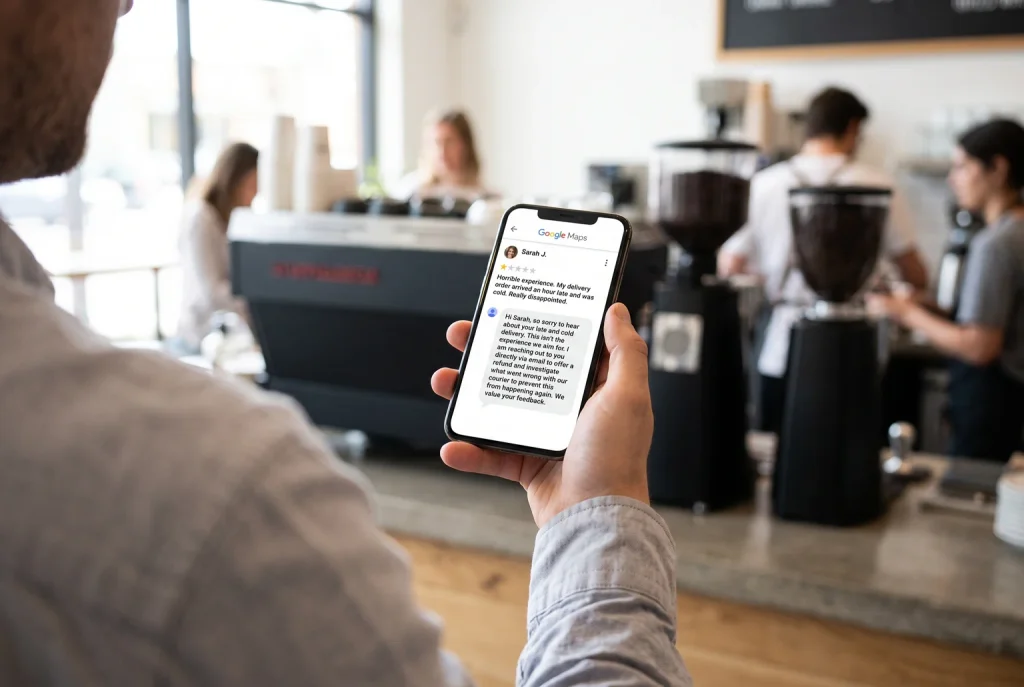
Google’s own guidance recommends replying to every review, prompt and personalized rather than copy-pasted.
For negative reviews:
Do: acknowledge the specific complaint, apologize where it’s warranted, and explain what happens next.
Don’t: argue publicly, share private customer details, or ignore the review entirely.
Recurring complaints, like late delivery or parking issues, usually point to an operational fix, not a PR problem.
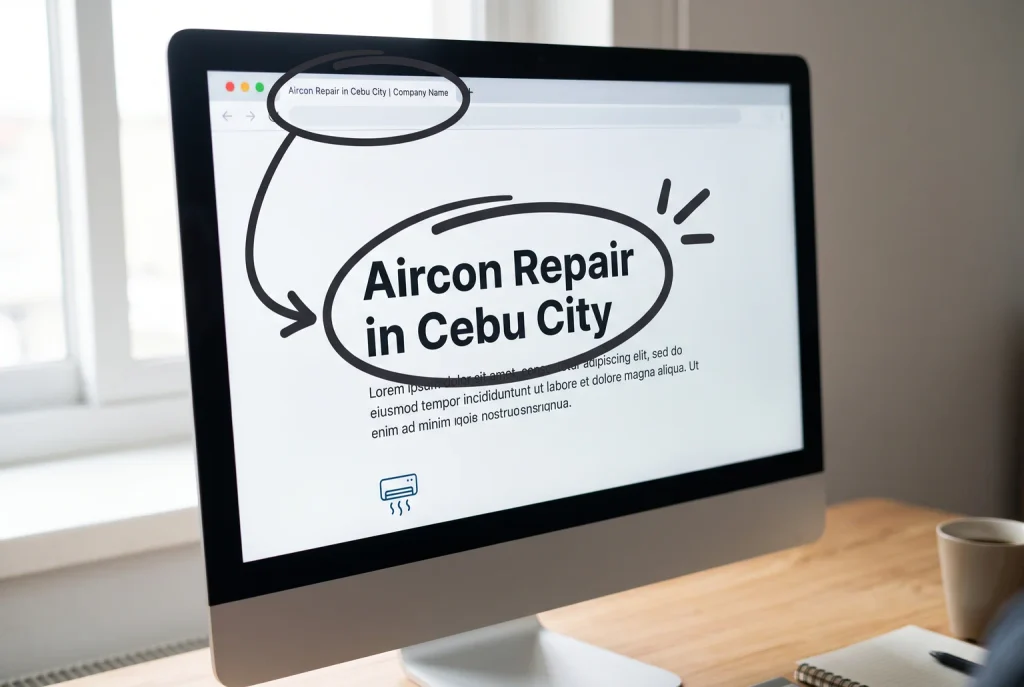
A keyword is just the word or phrase someone types into Google. On-page SEO means placing those words in the right spots on your website so Google can match your business to the right searches. For local businesses, the phrase people type is usually a service plus a place: “dentist in Quezon City,” “aircon repair Cebu,” “wedding photographer Davao.”
Use that pattern in a few specific places. In your Google Business Profile description, name your service and the city or barangay you serve, written naturally, not stuffed with repeats. On your website, put the service-plus-location phrase in your page title, your main header, and somewhere in the first paragraph of each service page. If you have branches in Makati and Pasig, give each one its own page with its own address and phone number, rather than one generic “our locations” page.
Behind the scenes, LocalBusiness structured data (a bit of code your developer or SEO provider adds) can reinforce your business type and location for Google, which is worth asking about if you’re building or updating a site.
Google is not the only place that confirms your business is real. Local directories give Google extra signals that your name, address, and phone number are consistent everywhere, which reinforces the NAP work from Step 2.
Worth claiming, depending on your business type:
Skip directories that don’t fit your business category or city; a spa in Iloilo doesn’t need an exporters directory. Focus on two or three relevant ones, use the exact same name, address, and phone format as your Google Business Profile, and update every listing whenever any detail changes.
Run through this before moving on:
Do these five in order and most Philippine small businesses will see steadier visibility in Maps results within a few weeks.
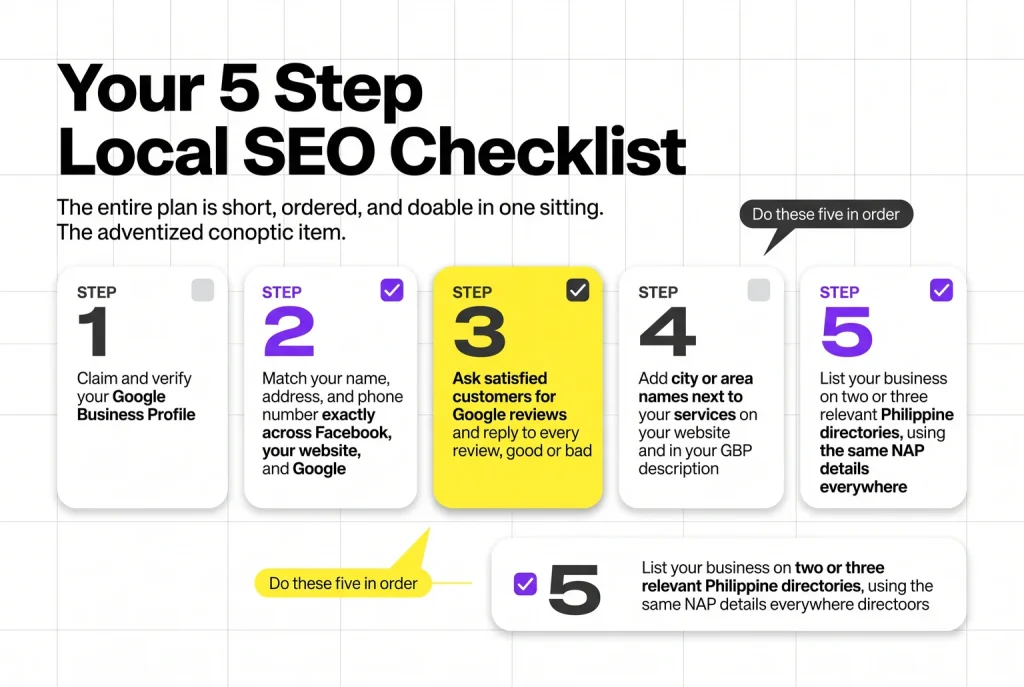
The five steps above cover most of what a small business needs. They stop being enough once you have multiple branches, hundreds of reviews to track, or competitors actively outranking you in Maps despite your best efforts. That’s usually when the DIY approach runs out of hours in the day, not out of ideas.
Ongoing local SEO involves tracking keyword rankings across cities, auditing technical issues on your website, and managing review responses at a volume that’s hard to sustain solo. Arc Innovation & Insights offers a Local SEO service built around the idea that nearby customers convert best, and that dominating your local area takes sustained work, not a one-time setup.
If you’ve worked through this checklist and want a second set of hands, that’s the point to reach out.
Input your search keywords and press Enter.